
Where to Watch F1
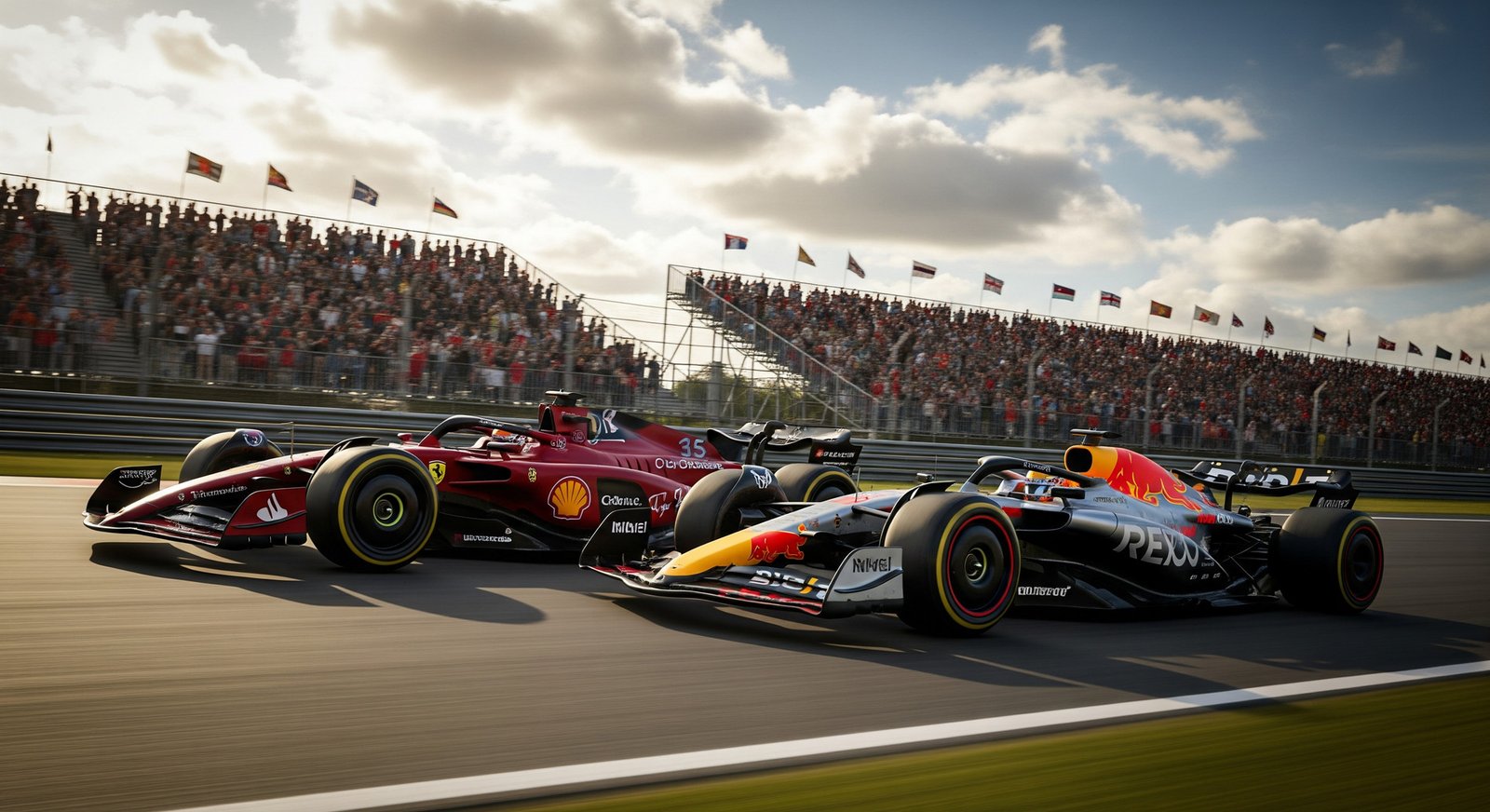
The answer to "Where to watch F1?" depends on where you live and how you like to watch, but there is almost always a way to see the action.
Because F1 is a global sport, lots of TV networks and streaming platforms have bought rights to show it. You can usually watch live races, practice, qualifying, and post-race shows. This guide will help you find your best option so you can follow your favourite teams and drivers all season long.
Where Can You Watch F1 Races?
F1 reaches fans almost everywhere, so races are shown in most countries around the world. This global coverage means millions of viewers can watch each Grand Prix. But the exact channels and services change from place to place, so you need to know what is available where you live.
Coverage often comes from national sports channels or specialist motorsport networks. These usually show the full weekend: practice, qualifying, the race, and pre- and post-race shows. The aim is to bring the track atmosphere to your screen, even if you can't be at the circuit.
Which Countries Offer Official Formula 1 Broadcasts?
Official F1 broadcasts are offered in many countries through licensed TV channels and platforms. Here are some key examples:
- USA: ESPN and ESPN Deportes
- UK & Republic of Ireland: Sky Sports and Channel 4
- Australia: Fox Sports, Foxtel, and Kayo
Across Europe, there is a wide mix of rights holders:
- Austria: Servus TV and ORF
- Belgium: RTBF and Play Sports
- France: Canal+
- Germany: Sky Deutschland and RTL
- Italy: Sky Italia
- Netherlands: Viaplay
Other examples include:
- Canada: RDS, RDS 2, TSN, and Noovo
- Brazil: TV Bandeirantes and Bandsports
This wide network of official broadcasters makes it fairly easy for fans in most regions to find a legal way to watch F1.
Can You Watch F1 on Free-to-Air Channels?
In some places, you can watch parts of the F1 season on free-to-air TV, though there are often limits. In the UK, for example, Sky Sports shows full live coverage, while Channel 4 usually shows highlights and a few live races free of charge.
In some other countries, national public channels may show certain sessions or selected races.
These free options are a good way to watch without paying a subscription, but they may skip some practice sessions, some qualifying, or extra features that paid services include. Check your local TV guide to see what is offered where you live.
Is F1 Available on Cable and Satellite TV?
Yes. Cable and satellite are still very common ways to watch F1. Big sports networks in many countries buy rights to show the season in full. In the US, ESPN and its related channels carry practice, qualifying, and the race.
In the UK, Sky Sports is the main F1 broadcaster on pay TV. It shows every session live with extra shows and in-depth analysis. Cable and satellite packages often include HD channels and reliable streams, so they remain a main choice for many fans.
Streaming F1 Online: Platforms and Options
Online streaming has changed how many people watch sports, and F1 is no exception. Streaming lets you watch on different devices, replay sessions later, and sometimes use features that go beyond normal TV coverage.
From the official F1 service to sports streaming bundles, there are many choices if you prefer to watch over the internet.
Most platforms also offer on-demand content, so you can watch races and sessions you missed. Some add interactive tools or extra data that make the experience richer and more flexible for viewers worldwide.
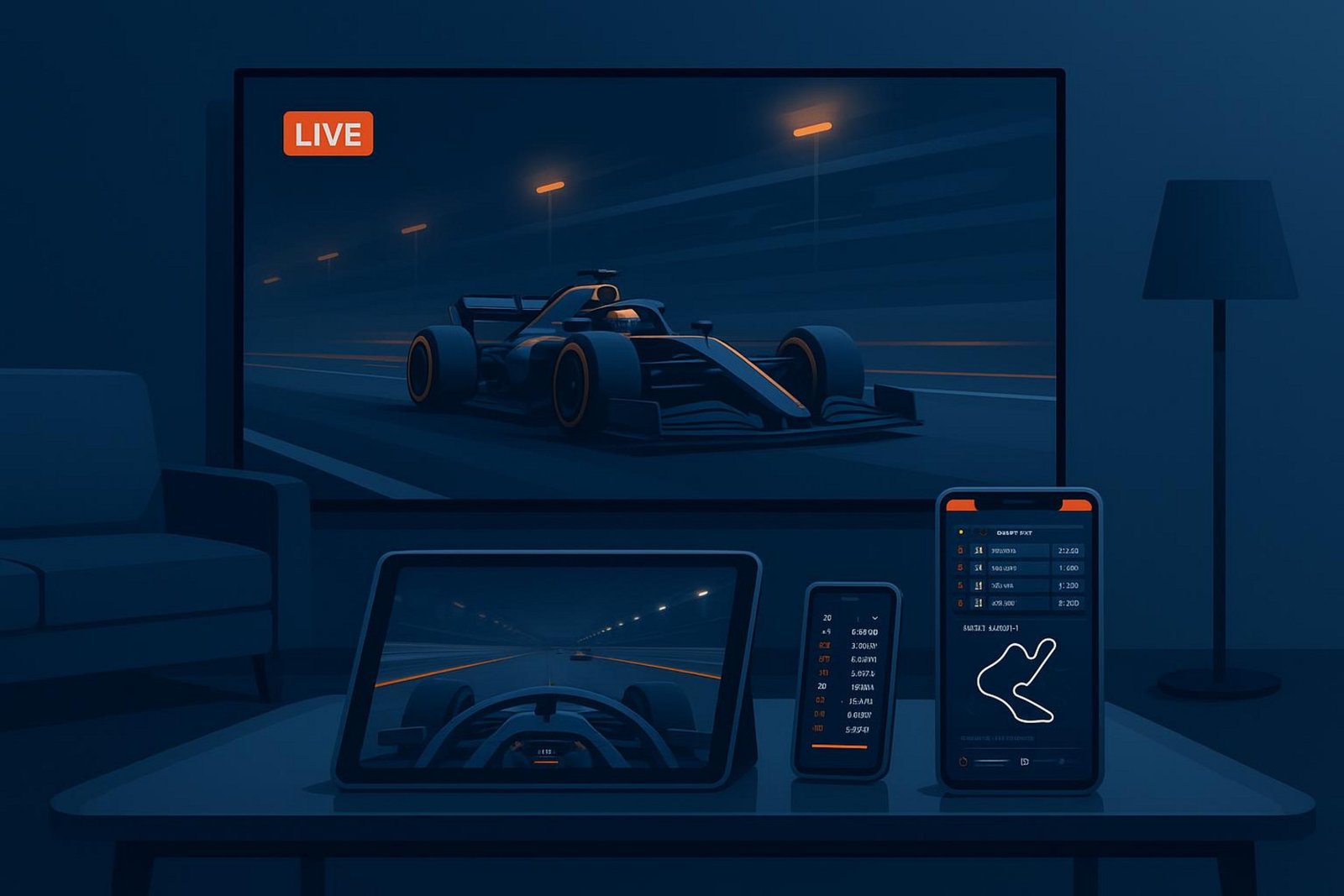
What Is F1 TV Pro and F1 TV Access?
F1 TV is Formula 1's own streaming service, with two main plans: F1 TV Pro and F1 TV Access.
- F1 TV Pro: The full live option. It gives you:
- Live, ad-free streams of every F1 session (practice, qualifying, race)
- Live onboard cameras for all drivers
- Live team radio
- Live coverage of support series like F2, F3, F1 Academy, and Porsche Supercup
- F1 TV Access: A cheaper plan that includes:
- Live timing and key data
- Delayed full-race replays
- Best-of team radio clips
- Access to shows, documentaries, and the historic race archive
Access does not include live race video, but it's a good fit if you want detailed timing and a big library of F1 content at a lower price.
Which TV Networks Stream F1 Races?
Many TV networks that hold F1 rights also let you stream their coverage online. In the US, ESPN coverage is often available through the ESPN app or ESPN+ if your cable or satellite plan includes ESPN. This lets you watch on phones, tablets, and computers.
In the UK, Sky Sports subscribers can stream F1 via the Sky Go app. These network apps connect traditional TV with online viewing, giving you the freedom to watch away from your main TV.
Is There an Official F1 App for Streaming?
Yes. The F1 TV app is where F1 TV Pro and Access users watch their content. Alongside that, the main F1 App offers:
- Live timing
- Telemetry data
- Tyre usage information
- Driver tracking maps
These tools are part of certain subscription levels and work on mobile devices. They add real-time information to your race viewing, whether you are watching through F1 TV or another broadcaster.
Are Third-Party Streaming Services Reliable?
Third-party services vary a lot. Some are fully legal and carry official F1 channels as part of a larger sports package. In the US, for example, services like DIRECTV, FuboTV, and Sling TV offer ESPN in many of their plans, and these are usually stable and trustworthy, often with different price levels and occasional free trials.
Other unofficial sites that you might find online can be risky. They may offer low-quality video, frequent drops, and possible security problems like malware.
For safe and consistent viewing, it is usually best to stick with official broadcasters or well-known streaming brands.
Devices and Quality: How to Watch F1
F1 races can now be watched on almost any screen: phones, tablets, laptops, smart TVs, and large 4K sets. You can choose what works best for you.
Streaming improvements mean that sharp, stable video and support for many devices are now standard, which helps more people enjoy the sport comfortably.
Good device support and strong streaming quality help every key moment stand out, whether it's an overtake, a safety car restart, or a crucial pit stop.
Can You Watch F1 on Mobile Devices or Tablets?
Yes, you can easily watch F1 on phones and tablets. The F1 TV app works on iOS and Android mobile and tablet devices, so you can watch practice, qualifying, and the race while traveling or away from home.
Many TV networks have their own apps that stream F1 too. In the US, for instance, the ESPN app lets existing subscribers watch on mobile. This makes it simple to follow F1 from almost anywhere.
Does F1 Support Smart TVs, Roku, and Streaming Sticks?
Yes. F1 TV and many official broadcasters now support a wide range of smart TVs and streaming devices. F1 TV currently supports:
- Amazon Fire TV
- Roku
- Chromecast
- Web browsers
- iOS and Android
This means you can enjoy F1 on a big screen at home. Some advanced features do have limits: for example, Multiview is not available on Android TV, and certain F1 TV Premium functions do not yet work on Amazon Fire TV. Always check the latest compatibility list to get the best setup.
What Streaming Quality Does F1 Offer (HD, UHD, Multiview)?
F1 streaming supports high picture quality. With F1 TV Pro, you can watch live in 4K UHD/HDR in supported regions and on supported devices. Many services also offer Full HD (1080p), which is very clear for most viewers.
F1 TV also offers a "Multiview" feature. This lets you build your own layout by choosing several video feeds at once.
For example, you can watch:
- The main race feed
- An onboard camera
- Live timing data
All on one screen. Access to 4K and Multiview depends on your internet speed and what your device can handle, and not all races or regions may offer all resolutions.
Is It Possible to Stream F1 on Multiple Devices?
Yes. F1 TV Pro lets you stream on up to six devices at the same time. This works well in homes with several fans, or if you want different views open on multiple screens, such as the main race, timing, and onboard footage all running together.
Live Features and Experience Enhancements
Modern F1 coverage is more than just the main TV feed. Streaming brings in extra tools and views that pull you deeper into the action. You can see data the teams use, listen to live radio, and choose different cameras, which makes watching far more interactive.
These features turn you from a passive viewer into an active follower of strategy and driver battles, giving you a much clearer picture of what's really going on during the race.
What Exclusive Features Does F1 Live Streaming Provide?
F1 TV Pro, in particular, offers several features you do not usually get from basic TV coverage:
- Official ad-free live stream for all sessions
- Onboard cameras for every driver, live
- Live team radio messages
- Live coverage of F2, F3, F1 Academy, and Porsche Supercup
- Race weekend shows and other exclusive content
This makes F1 TV Pro a strong choice if you want much more than the standard broadcast view.
Can You Access Live Timing and Statistics?
Yes. Live timing and stats are a key part of the F1 digital experience and are available with F1 TV Pro, F1 TV Access, and through the F1 App.
These tools provide:
- Sector and lap times
- Telemetry (speed, throttle, braking, etc.)
- Tyre choice and tyre wear information
- Track maps showing each car's position
This data helps you understand strategies, pace, and tyre management, giving you insight similar to what commentators and teams are watching.
Does F1 Offer Multiview or Customizable Race Feeds?
Yes. F1 TV Pro's "Multiview" option lets you choose several feeds and arrange them into your own layout. For example, you might watch:
- The main broadcast in one window
- Your favourite driver's onboard camera in another
- Live timing or another camera angle in a third
Multiview is currently available on iOS, tvOS, Android phones and tablets, and via Google Chrome and Edge browsers. It is not yet supported on Android TV.
F1 Grand Prix: Live Schedules and Time Zones
Because F1 races take place on different continents, they start at very different local times. Keeping track of session start times in your own time zone can be a bit tricky, but there are tools to help you keep everything straight so you don't miss the start lights.
Knowing how to read the official schedule and how streaming services show times for your location makes it easier to follow every part of the weekend.
How to Find F1 Grand Prix Race Start Times?
Finding race times is simple if you use the official sources. The Formula 1 website and the F1 App show the full weekend schedule, including all practice sessions, qualifying, and the race, usually adjusted to your local time automatically.
For example, you might see that the 2025 Abu Dhabi Grand Prix race is set for Sunday, December 7, at 7:55 a.m. ET on ESPN in the US. The same race would start at 1 p.m. GMT in the UK and 10 p.m. JST in Japan. Sports news sites such as ESPN and Forbes also publish clear timetables in different time zones before each Grand Prix.
Where to Watch F1 Practice and Qualifying Sessions?
Practice and qualifying are a big part of the story of each weekend. They show who has speed, how teams are setting up their cars, and what to expect for the race. F1 TV Pro gives live, ad-free coverage of every practice and qualifying session plus the race.
Many TV broadcasters also show these sessions. In the US, for example, Practice 1 and 3 may air on ESPN2, with Practice 2 sometimes on ESPNU, and qualifying usually on ESPN2 as well. Check the schedule for the F1 rights holder in your country so you know which channel shows each session.
Does the Streaming Service Adjust for Your Local Time Zone?
Yes. Most official F1 streaming platforms and the main F1 website/apps show event times based on your current location. This saves you from doing time conversions yourself and helps avoid missing the start of a session.
Still, keeping an eye on the track's local time or the official GMT time can be helpful, especially if you are travelling or if your device has trouble detecting your time zone correctly.
Accessing F1 Worldwide: Geographic Restrictions and VPN Use
Because F1 sells TV and streaming rights country by country, some services and features are only available in certain regions. These regional limits are enforced using geographic restrictions, which control which locations can access a particular stream or service. This can be frustrating for travelling fans or those living in regions with limited coverage, so some people look at using VPNs to work around this.
To make a good choice, you need some awareness of how these regional limits work and what risks come with trying to bypass them.
Are Some Races Regionally Blocked or Exclusive?
Yes. Rights deals often make specific services or features exclusive in different areas. For example, F1 TV Pro is not available in every country. In some markets where a local TV broadcaster has strong exclusive rights, F1 TV may only sell the Access plan, with no live race video.
This means that a fan in the US might watch through ESPN or F1 TV Pro, while a fan in the UK may rely on Sky Sports, and someone in Australia might use Fox Sports or Kayo. These differences are a standard part of international sports broadcasting.
Can You Use a VPN to Access F1 Streams?
Some fans use a Virtual Private Network (VPN) to try to get around these regional blocks. A VPN can make it look like you are connecting from another country, which might allow you to sign up for or watch a service that is not normally available where you live.
Before you do this, read the terms of use for the service. Many platforms state that using a VPN to sidestep regional limits is not allowed and may lead to your account being blocked or cancelled.
What Are the Potential Legal and Technical Risks?
Using a VPN for this purpose can break the rules of the platform, even if VPNs themselves are legal in many countries. If the service detects it, it may suspend or close your account. In some areas, using a VPN to bypass content licensing could also create legal issues.
From a technical side, VPNs can slow down your connection or cause buffering due to extra routing. Many streaming services also actively detect and block VPN traffic. Low-quality VPN providers may expose you to privacy risks or weak security. Because of these issues, many people choose to use official options in their own region instead.
Costs and Subscription Options for Watching F1
Watching F1 usually involves paying for either a TV package or an online subscription. Prices and features vary, so it helps to compare what each option offers. This includes looking at the depth of coverage, extra features, and how you can watch, not just the headline price.
Think about what matters most to you: full live coverage, 4K quality, historic races, team radio, or just basic race highlights at a lower cost.
How Much Do F1 Streaming Platforms and TV Subscriptions Cost?
Prices differ widely between countries and services. Here are some rough examples:
| Service | Example Offering | Approx. Cost |
| F1 TV Access | Live timing, delayed replays, archive | ~$29.99 per year |
| F1 TV Pro | Full live races + extras | Higher, varies by country |
| US Cable / Satellite (with ESPN) | Sports bundle including F1 | From tens to 100+ USD/month |
| DIRECTV / FuboTV / Sling (US) | Streaming bundles with ESPN | Roughly $45.99-$89.99/month |
Exact prices change often and depend on promotions and local taxes, so always check the current rates in your region.
Are There Free Trials or Pay-Per-View Options?
Many streaming services offer free trials or discounts for new customers. For example:
- DIRECTV: Often offers up to a 5-day free trial and deals like $40 off the first month.
- FuboTV: Sometimes gives promotions such as up to $30 off for the first month.
- Sling TV: May not always have a free trial, but often runs discount offers for new sign-ups.
Single-race pay-per-view options for F1 are rare. Most rights holders prefer full-season or monthly subscriptions. In some regions, you might find one-off event access, but this is less common than in sports such as boxing or MMA.
How to Compare Value Across Different F1 Viewing Options?
To work out which option is best for you, look at more than just the price. Ask yourself:
- Do you get every session live (all practice, qualifying, and races) or only highlights?
- Are features like onboard cameras, team radio, and archives included?
- Is 4K or HD quality available?
- How many devices can stream at the same time?
- Does it support the devices and platforms you own (smart TV, phone, tablet, console)?
F1 TV Pro, for example, costs more than some basic options but offers deep coverage and extra views that serious fans value highly. Use free trials and introductory offers to test different services before choosing the one you want to keep for the season.